In brief
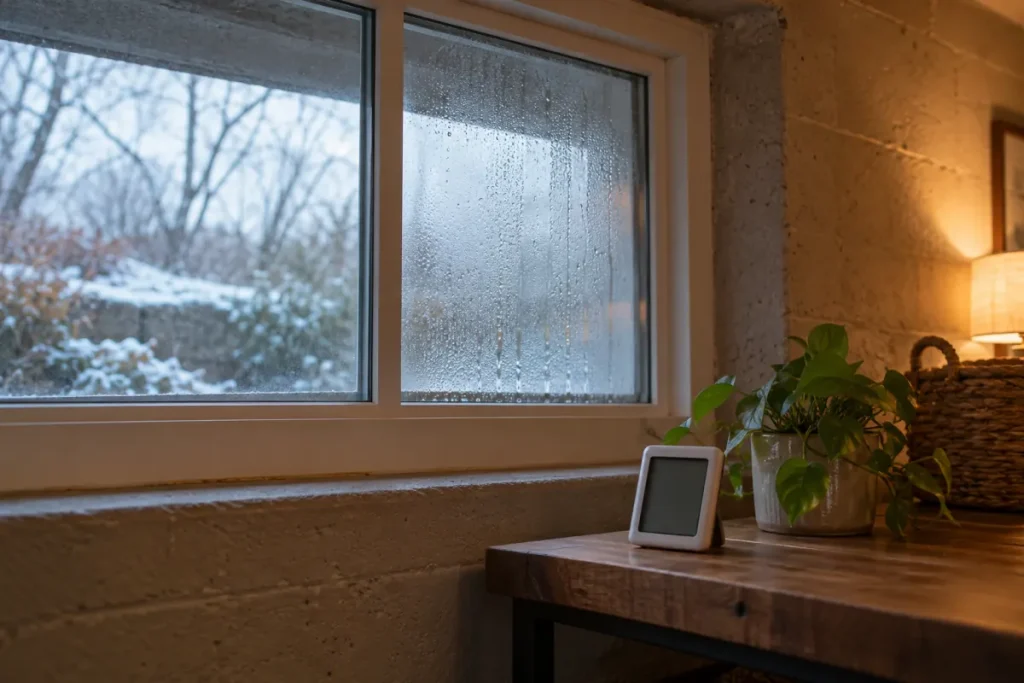
For a useful basement humidity baseline, place your hygrometer where it can represent the area you want to monitor, following its own placement instructions. Keep that position consistent. A meter beside a dryer, in direct sunlight, or in the dehumidifier’s discharge air may describe a local condition rather than the wider room.
There is no single position that answers every question about a basement. Choose the question first: ordinary room conditions, differences between zones, or the conditions near a particular problem.
Read the placement instructions for your meter
Find the exact model number and its manual. As one documented example, the AcuRite 01130/01131 manual calls for a dry, clean location away from sunlight, heat sources, vents, and sources of humidity. Those instructions apply to those monitors; they are not a tested placement rule for every meter.
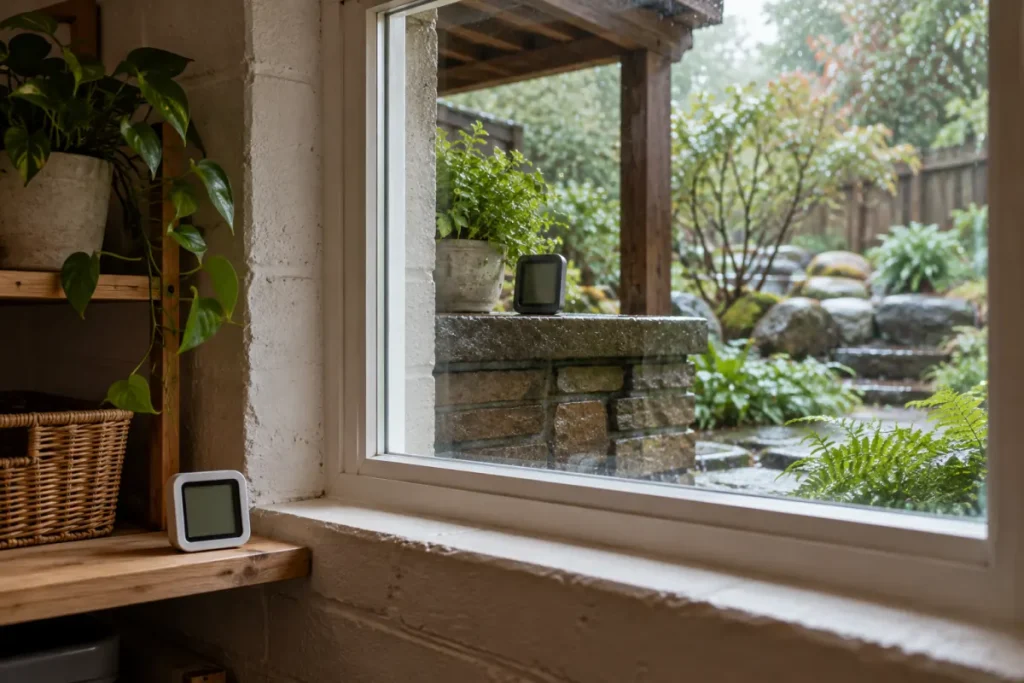
Check whether a remote sensor or the display itself takes the humidity reading. The convenient place to read the screen is not necessarily the place where the sensing element sits. Also check the operating range and any instructions about settling after a move. Avoid assuming that an update interval on a specification sheet is the time required to adapt to a new location.
Give each location a purpose
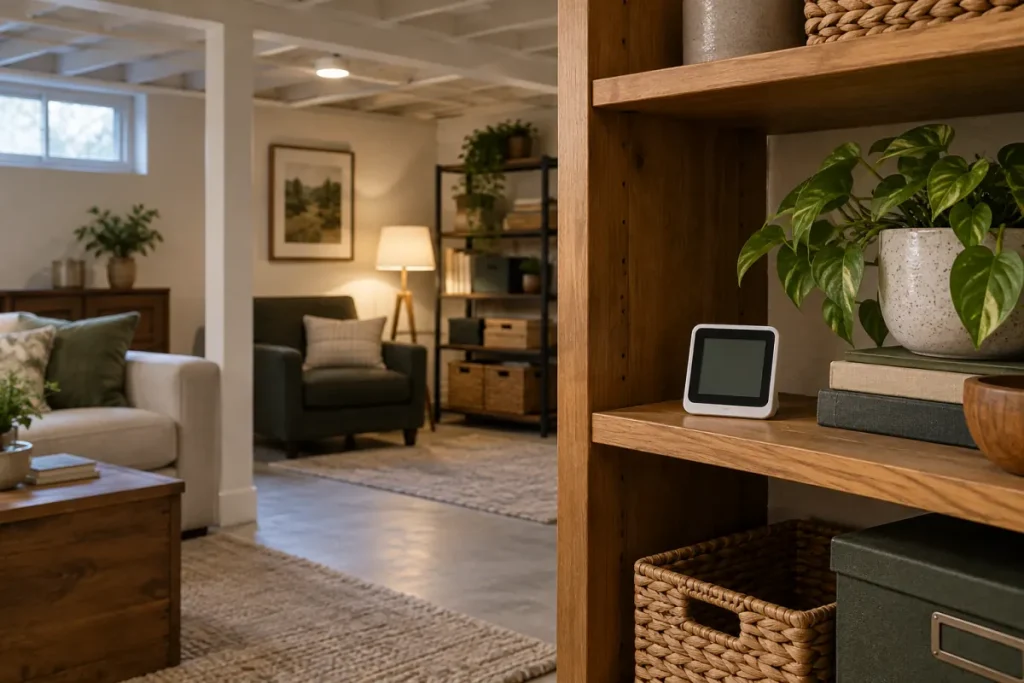
In this example, the goal is to track the air in the part of the basement people use, then check whether a storage area behaves differently. Start with the open shelf marked A. It is a dry, stable position away from the vent in this layout. Use the placement limits in your own meter’s manual.
- With one meter, track A first. If you move it to B, give it the settling time specified by the manufacturer, if any, and start a new location record. A reading at 8 a.m. on shelf A and one at noon on shelf B combine a location change with a time change.
- With two meters, compare at the same time. Where both manuals allow, place the meters together in a suitable spot first and note any difference between them. Then put one at A and one at B. Record temperature, relative humidity and time at both spots. A difference close to the meters’ observed disagreement is a reason to collect more readings before drawing a conclusion.
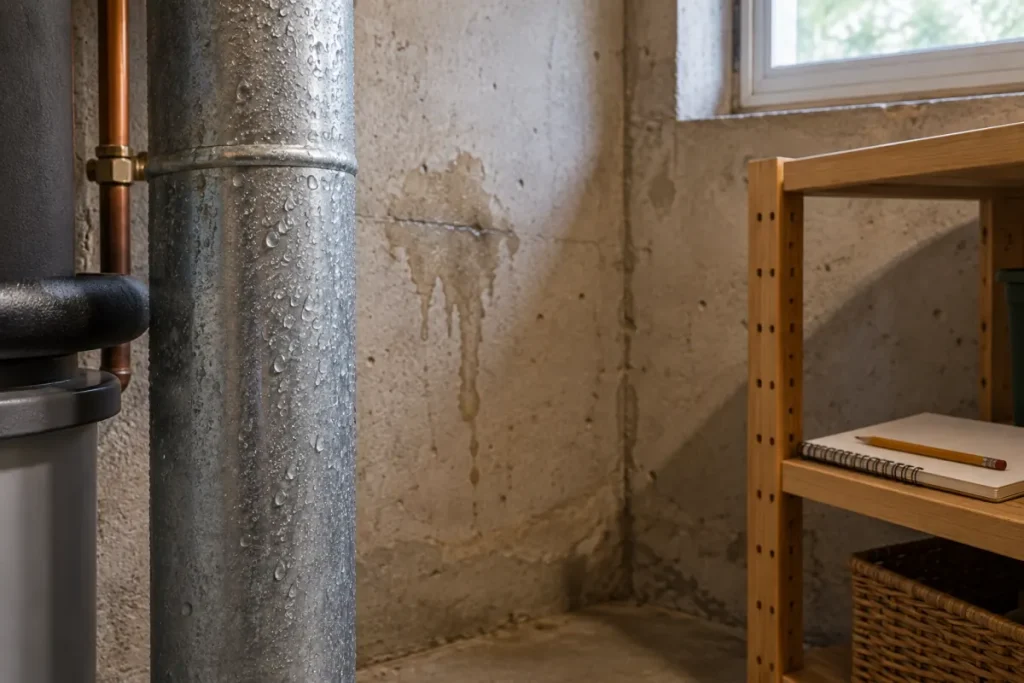
If you are investigating a wet patch, use a permitted dry location for the meter and keep the visible wetness in a separate observation record. See the worked humidity log for how to keep the shelf, time, temperature and humidity together.
How to compare two spots with one hygrometer
- Take a baseline reading at your usual location, A. Write down the temperature, relative humidity and time.
- Move the meter to B, following its placement and settling instructions. Record the same details and anything relevant that changed, such as a window opening.
- Return it to A and take a second baseline after it settles. If A changed substantially between the two readings, repeat the comparison under steadier conditions before blaming the difference on location.
This is a way to organize observations made with one meter. It cannot establish the readings at A and B at the same instant. Use the worked humidity log to keep location and time with each entry.
Keep a small location record
Write down the meter model, the location label, the supporting surface, nearby vents or appliances, and the reason you chose that position. A quick private sketch can make “shelf near stairs” easier to reproduce. Mark where the sensor actually sits, including a separate sensor if present.
Record the time, humidity, temperature when available, and whether the dehumidifier was running. The National Weather Service explains that relative humidity depends on temperature. Two percentages from locations at different temperatures do not, by themselves, reveal which area contains more water vapor.
Use our humidity log for the readings. Keep the same label when the position stays the same, and create a new label or clear note when it changes.
Avoid turning a convenient spot into a room measurement
The top of the dehumidifier may be easy to reach, but it places the meter close to the appliance. The farthest corner may matter for stored belongings, but it may not represent the area where you spend time. A reading from either position should be described with its location.
Choose a stable, accessible spot that meets the meter’s instructions. Do not put the device on a wet surface, block an appliance grille, or move the appliance simply to make its display agree with the meter. If the two readings differ, use our dehumidifier and hygrometer comparison guide to check display meaning, location, and timing before changing settings.
Use placement to improve the next decision
A consistent baseline helps you recognize a change; a deliberate second location helps you ask whether that change is local. Neither identifies the source of visible water. Record wetness separately with our moisture observation guide, and use the basement humidity guide for the wider context.
After choosing a location, leave it consistent long enough to answer your observation question. Improve the notes before buying extra meters: knowing where and when a reading came from often makes it substantially more useful.