In brief
If your dehumidifier and a separate hygrometer show different humidity percentages, first check what each number means. The appliance may be showing the target you selected, a current reading, or another display state. Then record where each sensor is and when you checked it. A disagreement alone does not establish that either device is faulty.
Check the display before comparing numbers
Read the model’s control instructions. Write the selected target and the current humidity reading in separate fields, where both are available. Note whether pressing a button briefly changes the display and whether the machine is in an automatic or continuous mode.
A hypothetical display showing a target of 45% and a separate meter showing 58% does not establish a 13-point sensor error. One number may describe the desired condition and the other the observed condition. These invented figures illustrate the distinction; they are not measurements from a tested appliance.
GE’s humidistat explanation describes a control that cycles an appliance in response to a selected humidity level. Check your own manual for display and cycling behavior rather than expecting every model to switch at precisely the same reading.
Record two locations, not just two percentages
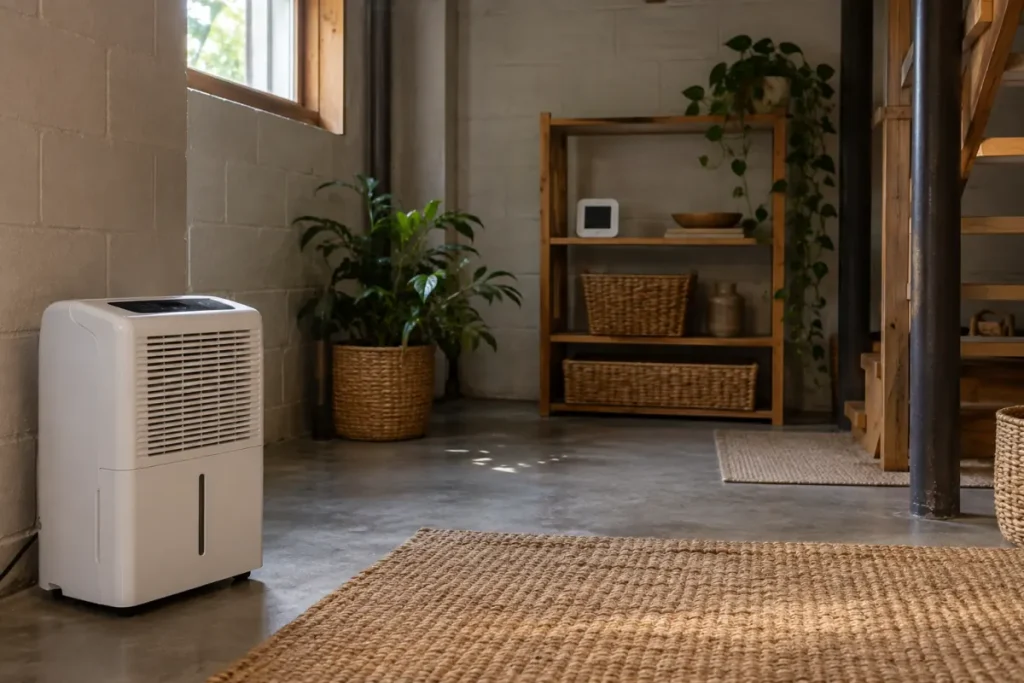
The appliance’s sensor and a meter across the basement may be sampling different conditions. Before treating them as a matched comparison, note the meter’s position, room temperature if available, and nearby airflow or moisture sources. Use our hygrometer placement guide to give the location a repeatable name.
The AcuRite 01130/01131 manual, for example, identifies sunlight, heat, vents, and humidity sources as placement considerations. Follow the instructions for the meter you actually own. Do not put it on top of the appliance just to force both sensors into a similar-looking position.
Make one careful comparison record
This is an observation routine we suggest, not a calibration test. Keep the appliance in a supported position, use a permitted meter position, and retain the following details:
| Detail | What to write down |
|---|---|
| Equipment | Exact appliance and meter models; which component contains the sensor |
| Display meaning | Current reading, target, mode, and any warning |
| Location | Both positions and nearby airflow or moisture sources |
| Timing | Time checked, any recent meter move, and settling instructions followed |
| Conditions | Temperature where available, appliance operation, and relevant room events |
| Repeat observation | A later comparison with its own timestamp and unchanged or changed conditions |
Do not silently average the readings into a “true” room humidity. If the manual lists accuracy, record its conditions as well as the number. A displayed range such as 1–99% RH describes the values an instrument can report; it is not an accuracy specification.
Interpret a persistent difference cautiously
The National Weather Service explains the temperature dependence of relative humidity. A temperature difference can contribute to different percentages without establishing a new moisture source. Record it as context rather than claiming it explains the entire disagreement.
If the difference remains under more comparable observations, send your record to the manufacturer. Matching two consumer devices to each other does not establish either one’s absolute accuracy. Follow only a documented calibration or offset procedure for your exact model and an appropriate reference; an arbitrary correction could hide a placement problem.
Separate a display disagreement from poor moisture control
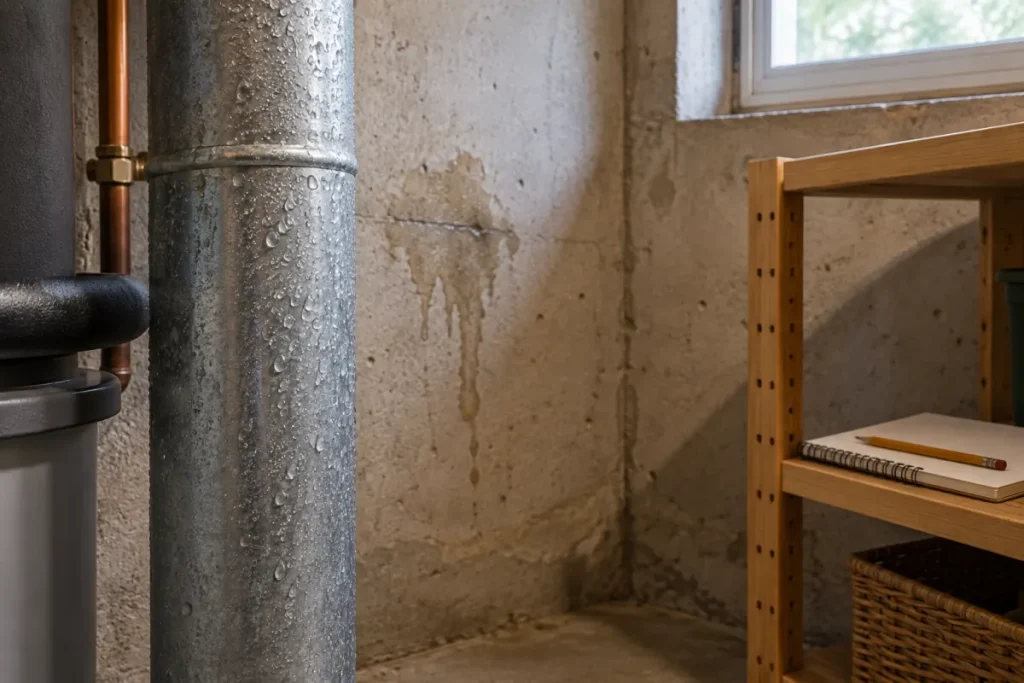
If the room remains damp, also check the model’s operating instructions, airflow requirements, and recorded conditions. GE’s guidance on not reaching the selected humidity discusses placement, airflow, settings, and filters. It does not turn a disagreement between displays into a diagnosis of a failed sensor.
Keep the readings in our humidity log. If your concern is an empty bucket, use the water-collection guide to distinguish collection, drainage, and controls. If there is visible water entering the basement, address that physical problem promptly instead of waiting for the displays to agree.