In brief
An empty dehumidifier bucket does not establish that the appliance is broken. Water may be leaving through a drain hose, the humidity setting may not call for removal, or the unit may be stopped by a control or warning. First identify what you are observing, then follow the instructions for your exact model.
This guide organizes external checks and information for support. It does not cover opening the housing, electrical repairs, refrigerant work, or bypassing a safety switch.
First separate collection from drainage
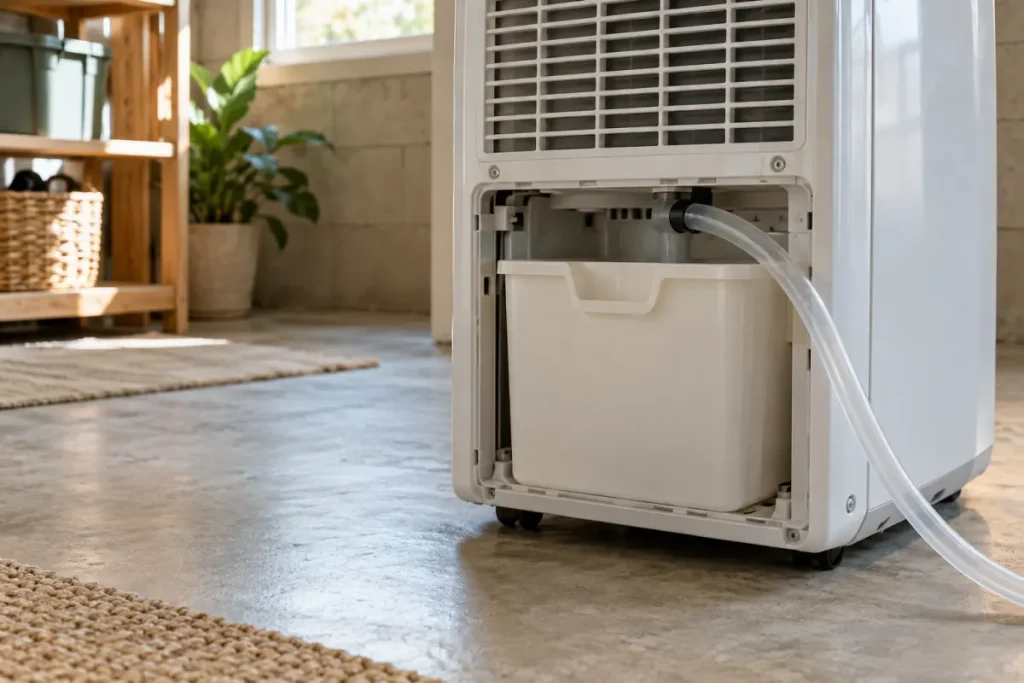
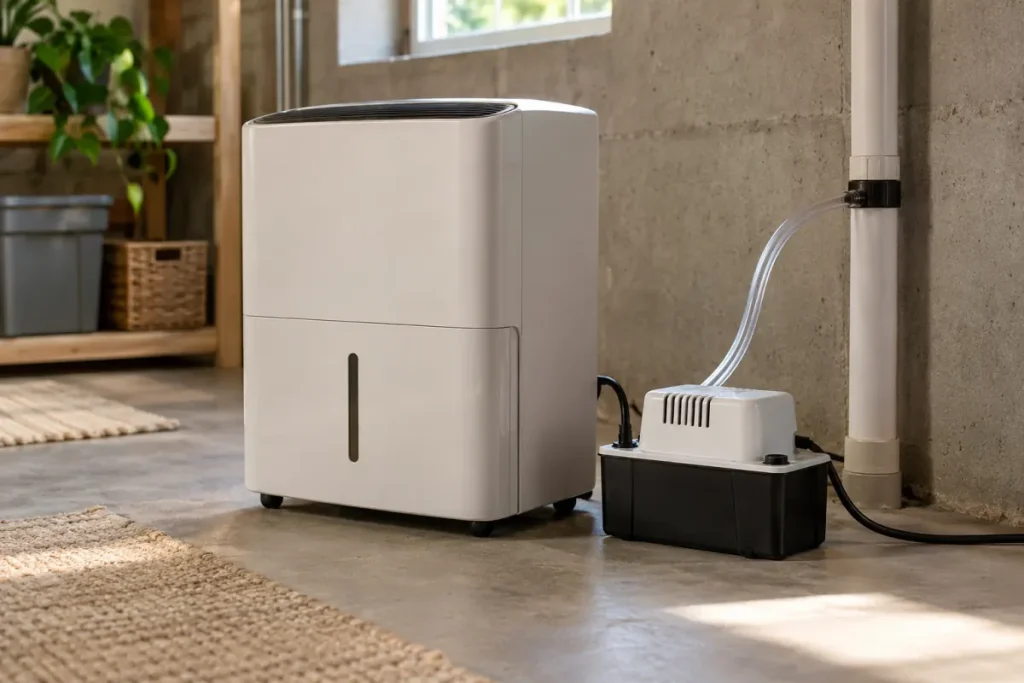
Is the machine using its bucket, a gravity hose, or a pump? TCL’s water-collection troubleshooting guidance notes that continuous drainage can send water through the hose instead of filling the bucket.
Check the arrangement against the manual. Record actual water at the destination if you can observe it safely. “Bucket empty” and “no water leaving the appliance” are different descriptions; do not treat them as interchangeable.
For a gravity arrangement, use our drain planning checklist. If a hose is attached but water accumulates in the bucket, that is a separate drainage symptom to report. GE’s drain-hose support page discusses connection problems that can send water into both the hose and bucket.
Write down the controls and room conditions
GE’s guidance on no water collection notes that room humidity below the selected setting can explain an absence of collection. Record the setting and the displayed reading rather than repeatedly choosing a lower target.
Also note the operating mode, timer or schedule, room temperature, and any warning or error text. Compare the temperature with the model’s operating limits. TCL’s guidance covers settings, temperature, airflow, bucket seating, and frosting; it does not make one temperature cutoff or reset procedure suitable for every appliance.
If you use a separate humidity meter, record its location and instructions too. A reading across the basement and a reading at the appliance are not automatically comparable. Our display-comparison guide helps record the difference. Our humidity log helps retain the context.
Use the symptom to choose a documented check
| Observed symptom | Information to retain | Where to look next |
|---|---|---|
| Empty bucket with a drain attached | Drain mode and whether water reaches the destination | The manual’s drainage section |
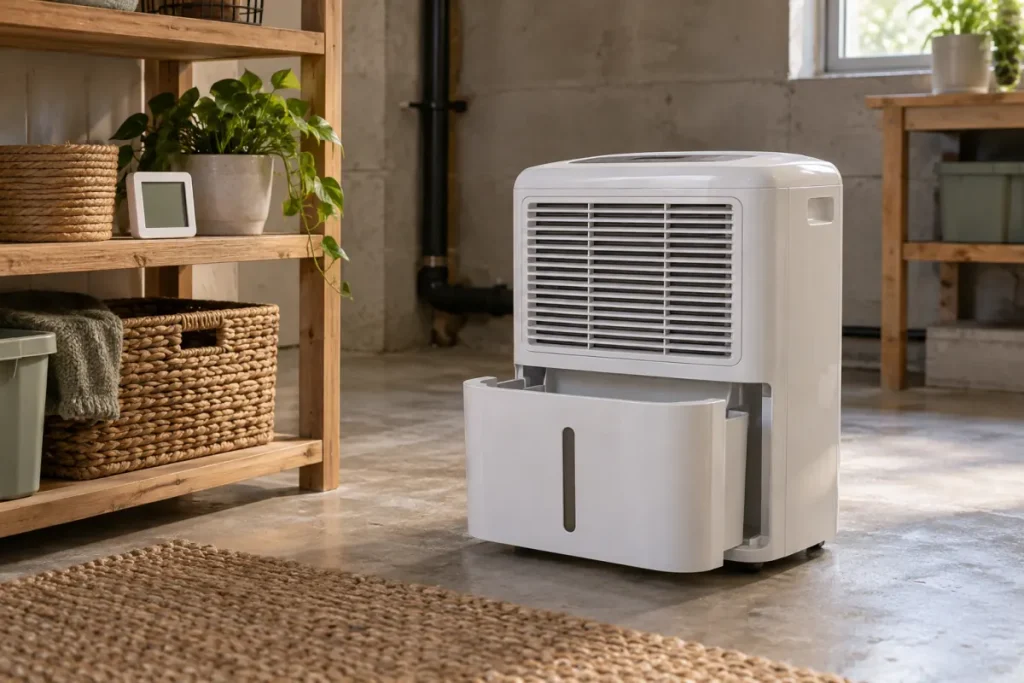
| Full-bucket warning with an apparently empty bucket | Exact warning and how the bucket is seated | The manual’s bucket instructions; do not defeat the switch |
| Unit stops while the room seems damp | Displayed humidity, target, mode, timer, and temperature | The operating-controls and troubleshooting sections |
| Fan noise without observed collection | What is actually audible or displayed and for how long | The manual’s explanation of operation; sound alone does not prove moisture removal |
| Persistent error, repeated frosting, or abnormal noise | Error text, conditions, and checks already completed | Manufacturer support and warranty instructions |
The table is our way of organizing a support request, not a diagnosis of the component at fault. Use the blank support observation log to keep the details together.
Keep owner checks within the manual
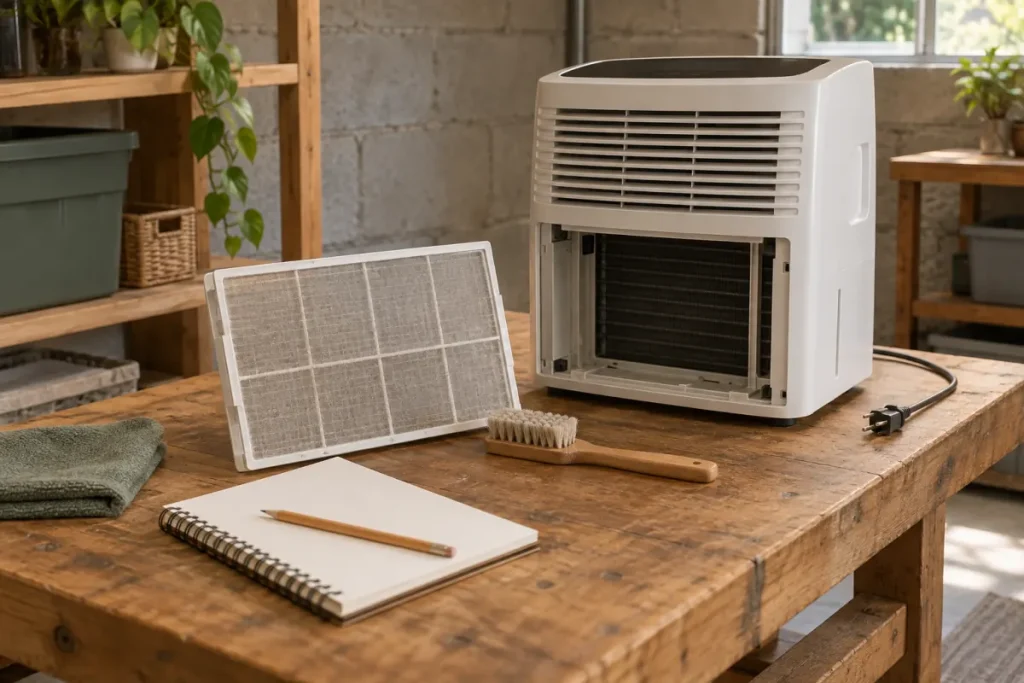
Turn the unit off and unplug it before cleaning or inspection, as TCL’s support guidance directs. Follow the model’s instructions for any user-removable bucket or filter. Use the stated airflow clearances and cleaning method rather than adopting a measurement or procedure from another brand.
If a reset is documented, record that procedure and its result. This article deliberately does not prescribe a universal unplugging interval: a reset sequence is a model instruction, not a substitute for identifying the symptom.
Send useful information to support
If documented owner checks do not resolve the problem, provide the exact model, symptom, readings, drainage mode, warning text, and actions already taken. GE directs unresolved collection problems to the model’s warranty information. Persistent errors, recurring frosting, leaks, or unusual noise are also among TCL’s reasons to contact support.
Avoid repeated experiments that require opening the housing or altering controls. Visible electrical damage, burning smells, or water around electrical equipment are reasons to stop using the unit and seek appropriate help. Keep a maintenance record so the support history remains clear.