In brief
Check a dehumidifier’s operating-temperature instructions against the conditions where it will actually run. A capacity label or an automatic-defrost feature does not replace that check. Keep the model, manual revision, permitted range, and room observations together before judging performance in a cool basement.
Find the operating range for the exact unit
Use the manufacturer’s owner manual and model support page. Look for installation conditions, operating temperature, automatic defrost, and any separate conditions for pump mode. Do not assume that a range in another model’s review applies to your appliance.
As a scoped example, GE manual 49-5000545 Rev. 4, covering the listed ADHL/APHL/AWHL models, specifies placement where temperature will not fall below 41°F or exceed 90°F. Its pump section also excludes operation at 41°F or below. These are instructions for that equipment; they are not a shared operating range for every dehumidifier.
Record the room’s conditions
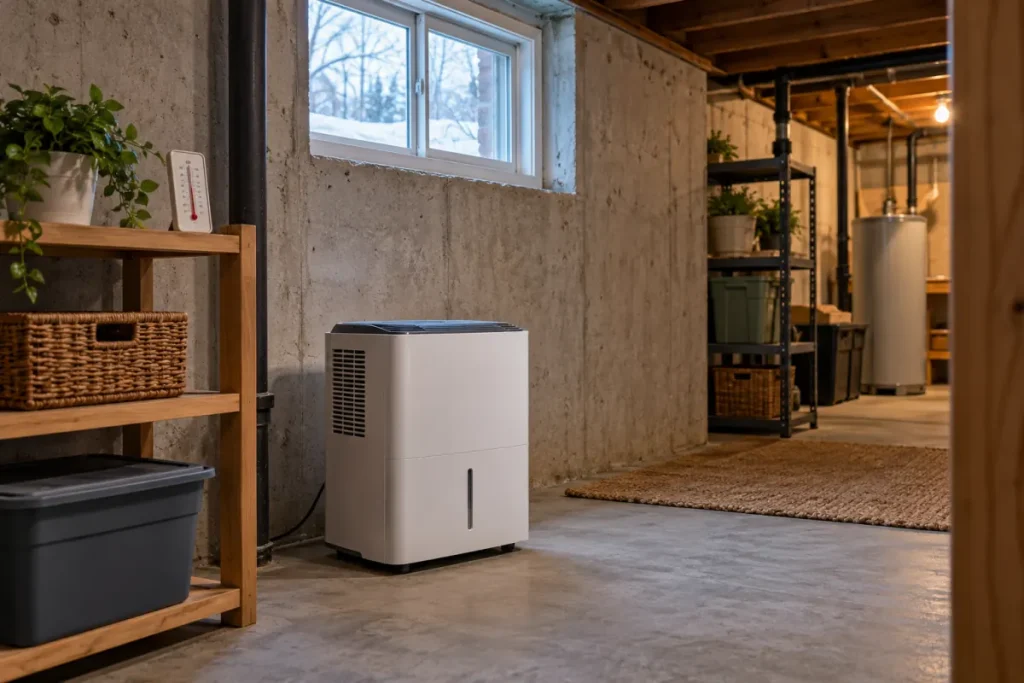
A reading taken once on a warm afternoon is a limited basis for a unit that will run overnight. Record temperature with your humidity observations at the intended location and at useful times for your routine. Write down when the room’s use or conditions change.
For a purchase, enter the lowest and highest temperatures you have actually observed in the buying worksheet. Label the period of observation so that a few mild days do not become a claim about the whole winter. If the cold-season range is unknown, keep that as an unresolved selection question.
A meter reading elsewhere in the building is not automatically the temperature at the appliance. Use a suitable location and follow the instrument’s instructions. The meter-placement guide helps you describe that position consistently.
Understand what automatic defrost does
GE’s compressor-support article explains that some units stop the compressor while the fan runs to clear frost. That operating state can explain a period without normal water removal on the equipment described. It does not establish that every fan-only period is defrost or that the appliance may be operated outside its manual’s range.
If a display identifies an operating state, record its exact text. If you only hear the fan, describe that observation without labeling the compressor or refrigerant system as faulty. Check the manual’s explanation and timing before applying an interpretation.
Separate setup questions from repair questions
| Question | Useful evidence | Next step |
|---|---|---|
| Is the observed room temperature permitted? | Room reading and model instructions | Resolve a mismatch before operating |
| Does the unit report defrost or another state? | Exact display or described behavior | Compare with that manual’s explanation |
| Does the problem persist under a supported setup? | Time, settings, temperature, and water observations | Provide the record to manufacturer support |
This record is an editorial aid. It does not diagnose a sensor, compressor, or refrigerant fault. Do not use an improvised heater, scrape internal coils, bypass controls, or repeatedly restart the unit as a substitute for the model’s instructions. Use the manufacturer’s support route for checks beyond normal owner care.
Match the next action to the observation
If conditions fall outside the permitted range, stop that unsupported use and resolve the placement or equipment choice. If the range is unclear, ask the manufacturer with the model and manual reference. If the setup is supported but no water is collected, our no-water observation guide keeps settings and drainage in the same record.
For interpretation of room readings, see why relative humidity changes with temperature. An operating-range check answers whether the appliance’s conditions are supported; a room log answers what you observed over time. Keep both records when deciding whether the arrangement is useful.