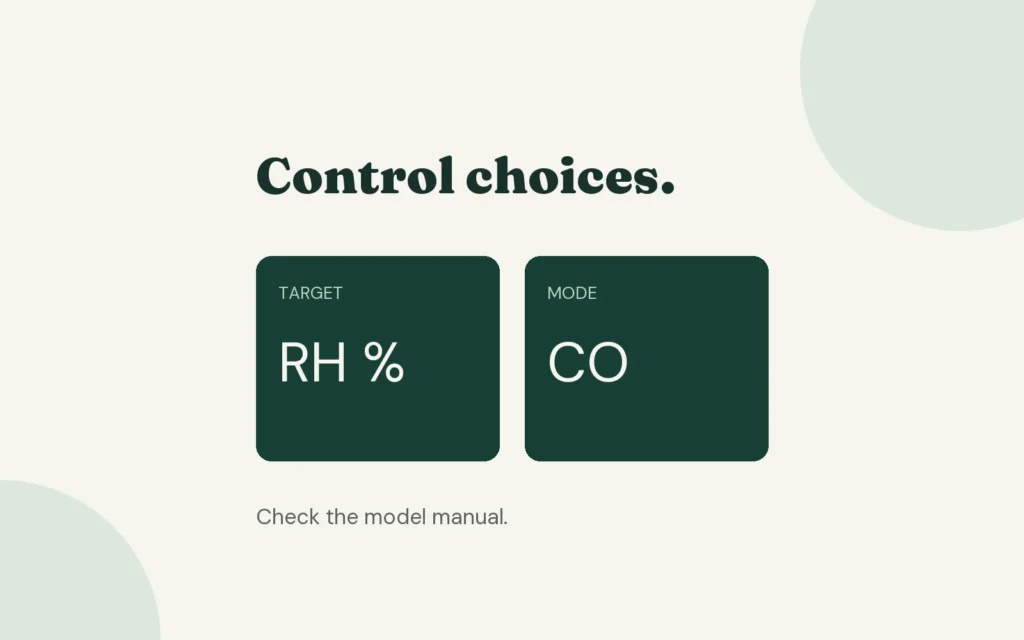
CONT means Continuous on models that use this label. In the Midea EasyDry manual, page 9, the Cont. indicator marks continuous dehumidification, and you cannot set a humidity target while that mode is active. To cycle at a chosen humidity, follow your model’s instructions for returning to humidity control.
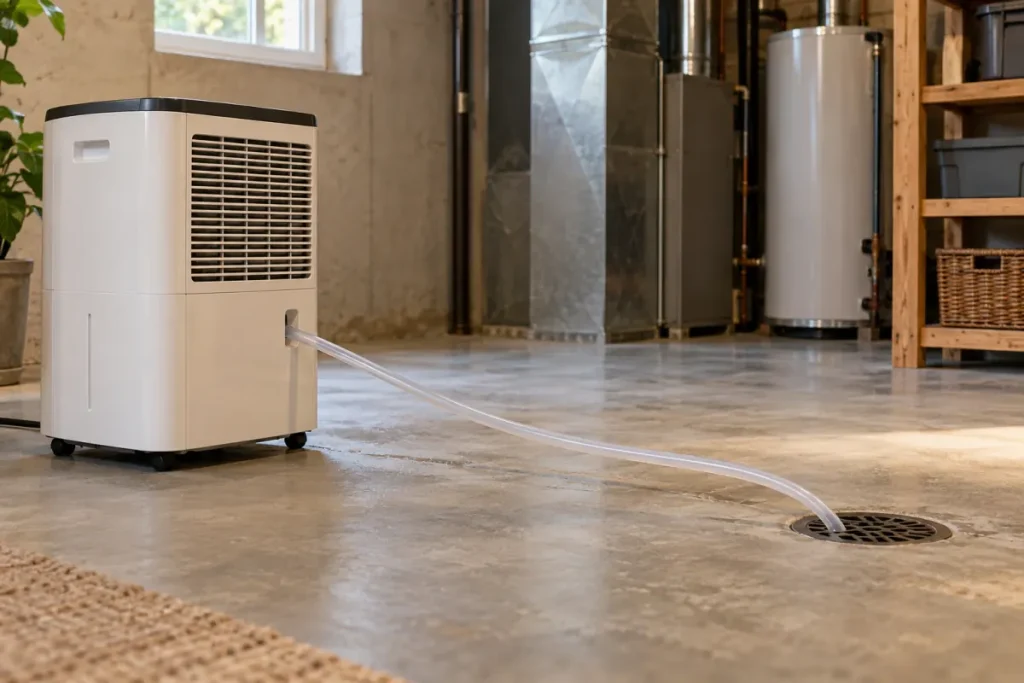
Use a humidity setting when you want the dehumidifier to cycle around a selected relative humidity (RH). Continuous mode requests ongoing moisture removal without using that target as its normal stopping point on models that support it. It does not override bucket or other protective controls. Continuous drainage is a separate choice about where the collected water goes; attaching a hose does not by itself mean you must select continuous mode.
Continuous mode vs. a humidity setting: the key difference
ENERGY STAR explains that a built-in humidistat lets you select a relative humidity and cycles the dehumidifier to maintain it. RH is relative humidity, expressed as a percentage. Selecting a target is different from asking the unit to keep removing moisture continuously.
| Choice | Question it answers | What to check |
|---|---|---|
| Humidity target | What RH level am I asking for? | The selected target, current reading, and documented cycling behavior |
| Continuous mode | Is target-based stopping being used? | The exact mode name and its instructions, limits, and protections |
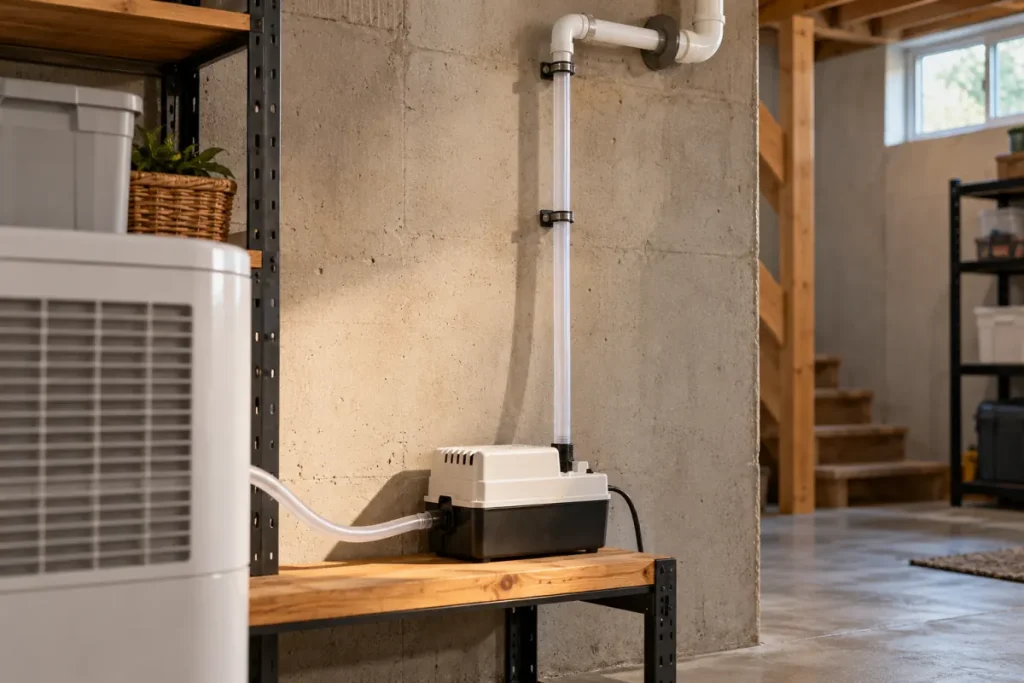
| Continuous drainage | Where does collected water go? | The supported hose or pump connection and drainage route |
This comparison is an editorial reading aid. It is not a control specification for every appliance. For the drainage decision, use our bucket, gravity drain, and pump comparison.
Does continuous drainage require continuous mode?
Not necessarily. In the Frigidaire FHDD5034Y1 instructions, page 17, the continuous-drainage procedure tells the owner to select a desired humidity and fan speed. That is a concrete example of a hose drain being used with a humidity setting. Check your own model’s instructions for its permitted combination.
Think of these as two decisions: select how the appliance controls moisture removal, then select a supported way to remove the collected water. If a warning stops operation even with a hose fitted, check the full-bucket warning and bucket seating rather than switching modes to bypass it.
What do CO, Nonstop, and other mode labels mean?
The GE manual linked from model ADHE50WWF describes Nonstop operation, while Smart Dry adjusts fan speed by comparing the selected and observed humidity. Those names describe different functions. Its display also changes from the selected target to the room reading after setting.
The Frigidaire FHDD5034Y1 manual, page 14 provides another example: Dry mode accepts a chosen humidity; its Continuous setting displays CO. For this model, the + button leaves CO and returns to a humidity selection. Its Fan mode switches the compressor off. Do not interpret a running fan, an automatic fan-speed label, and continuous moisture removal as the same state.
If the appliance and a separate meter disagree, first identify what each humidity number represents.
Choose a target for the room, then observe it
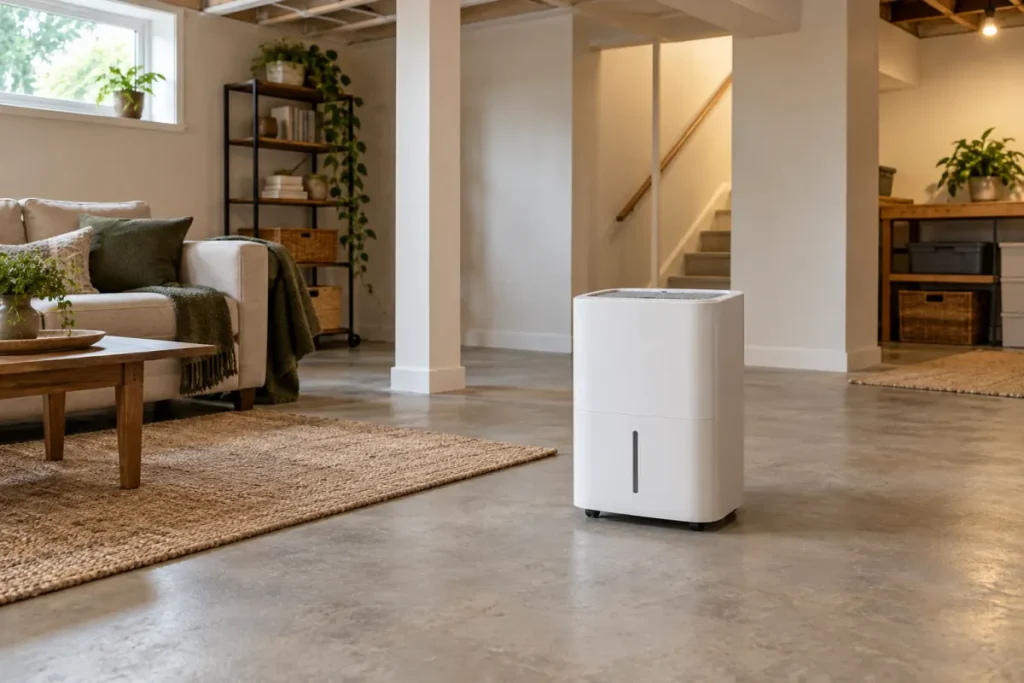
For a room where the aim is to maintain a selected RH, start with the model’s humidity-control instructions. EPA recommends keeping indoor RH below 60%, ideally between 30% and 50% where possible. This is indoor moisture guidance, not a promise that one appliance setting will suit every room.
Our suggested observation routine is to write down the model, mode, target, meter position, temperature, and time before making a supported change. Keep other recorded conditions as comparable as practical. Follow the manual’s waiting and operating instructions rather than repeatedly changing the target in response to each display update.
Keep the observations in the humidity log. The record can show what changed; it does not isolate the cause of every change.
Why the fan can keep running after the humidity target is reached
GE’s explanation of a unit that will not shut off distinguishes continuous operation from target-based cycling and notes a fan run-on period. Use that as a model-specific example, not a universal timer. For poor collection, follow our water-collection checks.
Find the manufacturer’s reason for using that mode and its instructions for returning to a target. Check bucket seating, drainage, and operating limits. The GE example retains a full-bucket stop; continuous is not permission to bypass a safety control.
Compare the result as well as the runtime
A mode label alone cannot establish electricity use or savings. Our running-cost calculator accepts your stated watts and hours or measured kWh. Keep the calculation beside the room observations and identify which figures were estimated.
For the next comparison, retain four items: the exact mode, the RH target if used, the observed conditions, and energy over a stated period. That makes the next decision more useful than simply asking which button sounds more efficient.