In brief
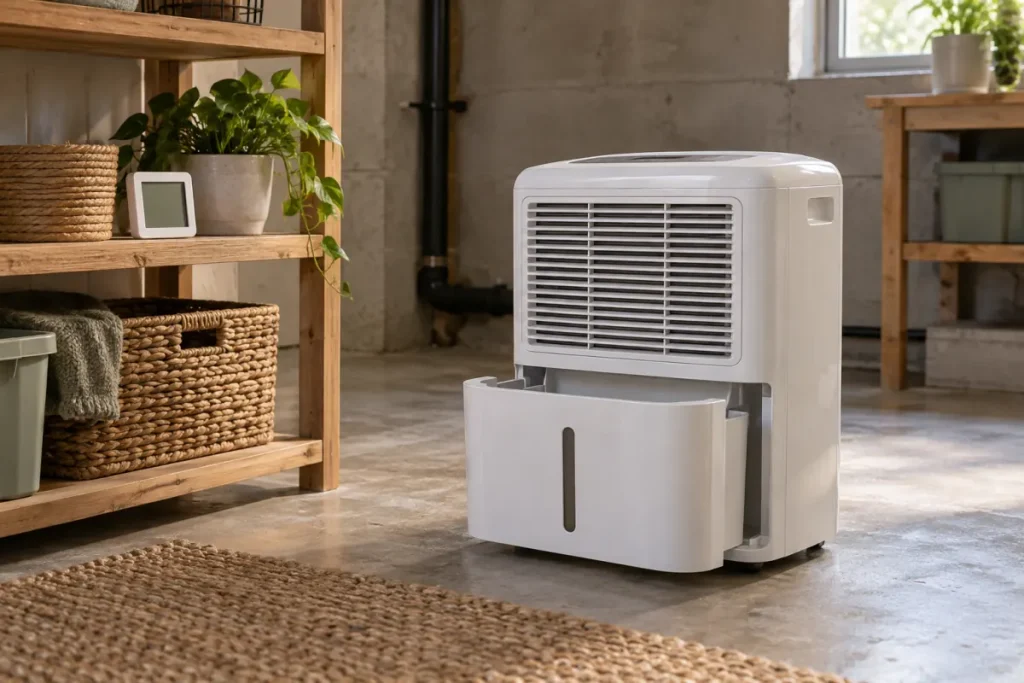
If the fan runs and the bucket is empty, check where the collected water should go. Look for discharge at the outlet if a hose is attached and you can see it safely. When the bucket and intended outlet stay dry, compare the room reading with the selected humidity target and check the display for fan-only mode or defrost.
This guide organizes external checks and information for support. It does not cover opening the housing, electrical repairs, refrigerant work, or bypassing a safety switch.
First separate collection from drainage
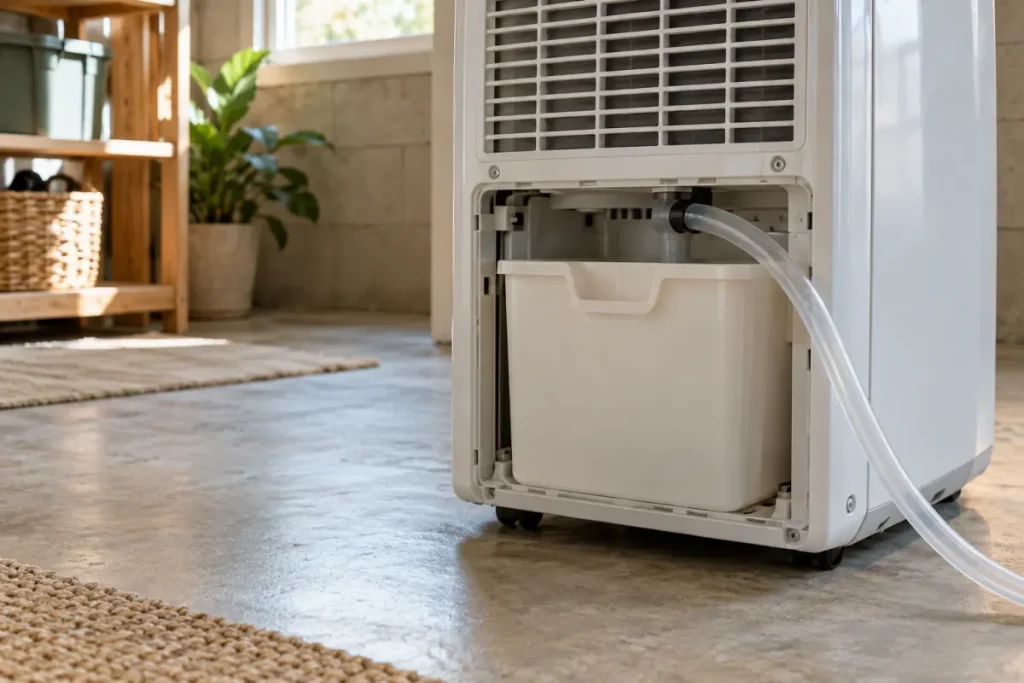
Is the machine using its bucket, a gravity hose, or a pump? TCL’s water-collection troubleshooting guidance notes that continuous drainage can send water through the hose instead of filling the bucket.
Check the arrangement against the manual. Record actual water at the destination if you can observe it safely. “Bucket empty” and “no water leaving the appliance” are different descriptions; do not treat them as interchangeable.
For a gravity arrangement, use our steps for observing drainage at the outlet. If a hose is attached but water accumulates in the bucket, that is a separate drainage symptom to report. GE’s drain-hose support page discusses connection problems that can send water into both the hose and bucket.
Write down the controls and room conditions
GE’s guidance on no water collection notes that room humidity below the selected setting can explain an absence of collection. Record the setting and the displayed reading rather than repeatedly choosing a lower target.
Also note the operating mode, timer or schedule, room temperature, and any warning or error text. Compare the temperature with the model’s operating limits. TCL’s guidance covers settings, temperature, airflow, bucket seating, and frosting; it does not make one temperature cutoff or reset procedure suitable for every appliance.
If you use a separate humidity meter, record its location and instructions too. A reading across the basement and a reading at the appliance are not automatically comparable. Our display-comparison guide helps record the difference. Our humidity log helps retain the context.
When the fan runs but you see no water
- Fan-only mode. If your model has this setting, check which mode the controls show. Select the dehumidifying mode described in your manual if you want the unit to remove moisture. See TCL’s control checks.
- Automatic defrost. On some GE models the fan keeps running while defrost pauses the compressor. Follow the instructions for your model, then check the bucket or hose outlet again once the unit returns to normal dehumidification. See GE’s defrost explanation.
If the display remains unclear, record what you observed for support, including the mode, any code, and where you looked for water.
Use the symptom to choose a documented check
Follow the first applicable branch. The aim is to distinguish normal water disposal, a control state, an unsupported setup, and an unresolved fault before attempting any reset. This is an owner-observation route, not an internal repair test.
- Is water leaving through the intended drain? If discharge is observed, an empty bucket is not evidence of zero collection. Check the supported drainage arrangement. If no discharge was observed, retain the observation period; do not assume a cycle occurred while you were away.
- Is a warning stopping the unit? Record the exact indicator. For a bucket warning, follow the bucket procedure for that model. A running fan and moisture-removal operation are different observations.
- What target and mode are selected? A current reading below the selected target can explain no demand for moisture removal. Check target, mode, and drainage separately; do not keep lowering settings just to force collection.
- Are the room and setup permitted? Compare temperature and accessible airflow requirements with the unit’s instructions. Resolve a mismatch using the temperature guide and the placement instructions.
- Still no collection under a supported setup? Complete only the exact manual’s applicable owner checks, then use manufacturer support with the model, readings, warnings, drainage, and results. Do not open the housing or bypass a control.
GE’s no-water guidance distinguishes a room below the selected humidity from an unresolved collection problem. TCL’s owner troubleshooting guidance also addresses settings, temperature, airflow, and bucket placement. Their procedures apply to their equipment, not every brand.
Use the blank support log for what you actually checked. If water threatens electrical access, there is a burning smell, or there is visible electrical damage, stop using the arrangement and seek appropriate help instead of completing the sequence.
Keep owner checks within the manual
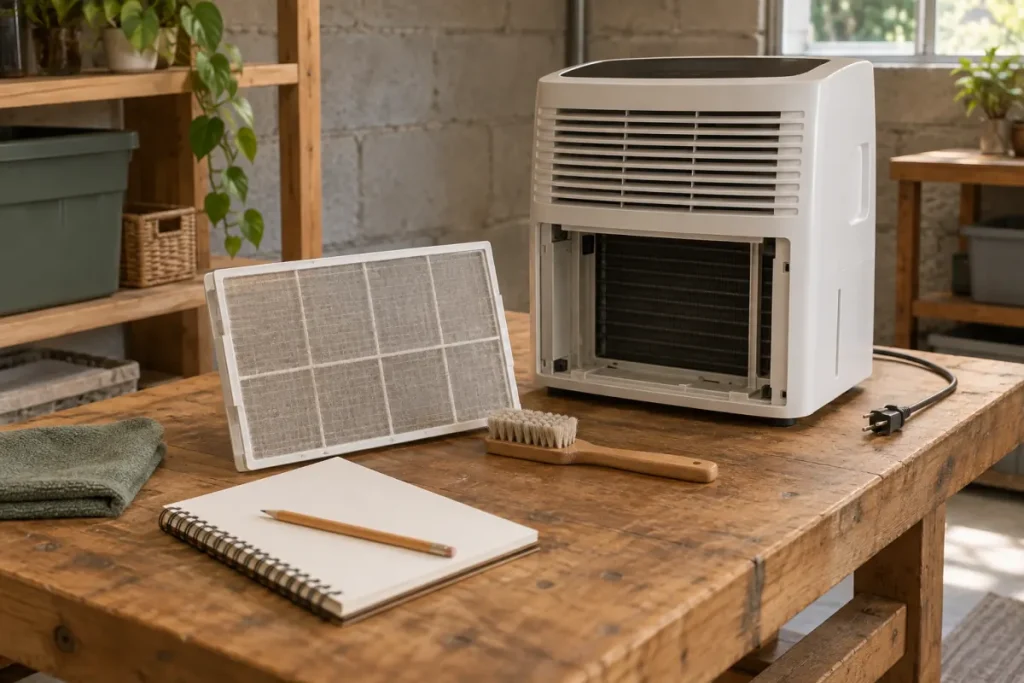
Turn the unit off and unplug it before cleaning or inspection, as TCL’s support guidance directs. Follow the model’s instructions for any user-removable bucket or filter. Use the stated airflow clearances and cleaning method rather than adopting a measurement or procedure from another brand.
If a reset is documented, record that procedure and its result. This article deliberately does not prescribe a universal unplugging interval: a reset sequence is a model instruction, not a substitute for identifying the symptom.
What to report when a fan runs but you see no water
Here is a sample report for a Frigidaire FHDD5034Y1, with invented observations. Replace each detail with what you actually saw.
FHDD5034Y1 in bucket mode, with no hose attached. At 8 a.m. the room meter beside the monitored area read 58% RH and 66°F. The unit was set to 50% in Dry mode. I heard the fan, but could not tell whether the compressor was running. The display showed dF at that check. The bucket was empty and the unit showed no full-bucket light.
In that example the exact display changes the next check. The FHDD5034Y1 manual, p. 15, says dF indicates defrost. Record what happens after that state clears. The observation at 8 a.m. alone gives no result for normal collection. See how to read the code alongside the room temperature.
Send useful information to support
If documented owner checks do not resolve the problem, provide the exact model, symptom, readings, drainage mode, warning text, and actions already taken. GE directs unresolved collection problems to the model’s warranty information. Persistent errors, recurring frosting, leaks, or unusual noise are also among TCL’s reasons to contact support.
Avoid repeated experiments that require opening the housing or altering controls. Visible electrical damage, burning smells, or water around electrical equipment are reasons to stop using the unit and seek appropriate help. Keep a maintenance record so the support history remains clear.