In brief
A full-bucket warning is a reason to check the model’s instructions and bucket state, not a reason to bypass a switch. Some equipment uses an indicator for a bucket that is missing or incorrectly seated as well as one containing water. Record the exact signal before assuming an empty bucket means a failed sensor.
Identify what the indicator means on your model
Write down the model, light label, display text, and any error code. Find the corresponding explanation in the owner manual. A beep alone may have more than one meaning: GE’s beeping-support article describes different signals for the equipment it covers. Do not use another model’s beep pattern or error code as a diagnosis.
Record whether the appliance stopped and which drainage method was selected. If you only noticed the warning after returning to the room, mark the start time as unknown. The blank support log can hold the observed sequence.
Follow the owner’s bucket procedure
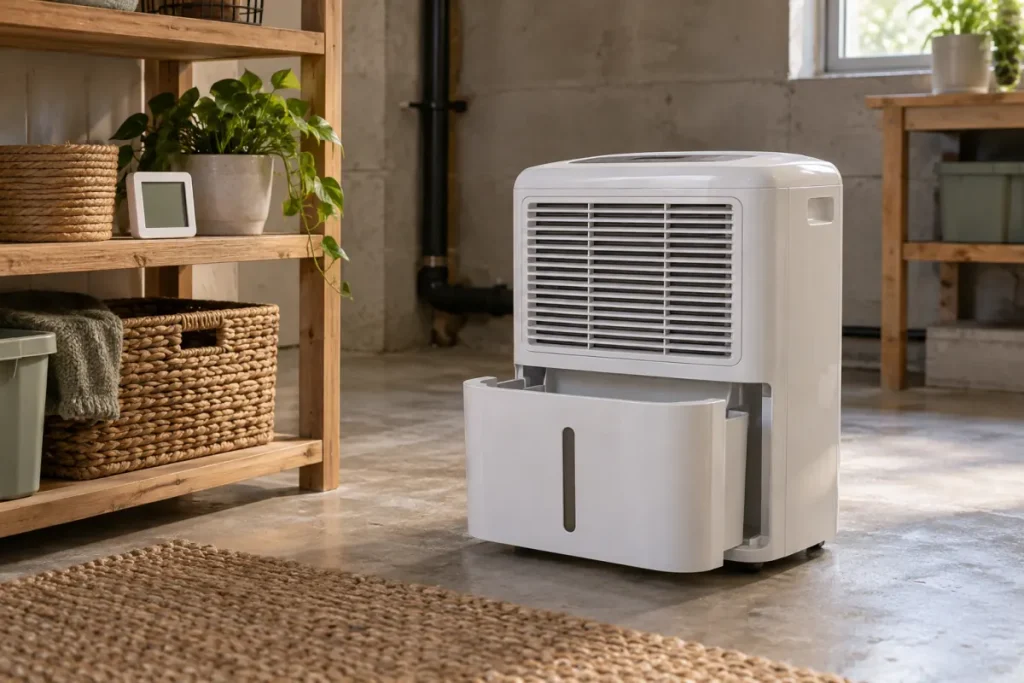
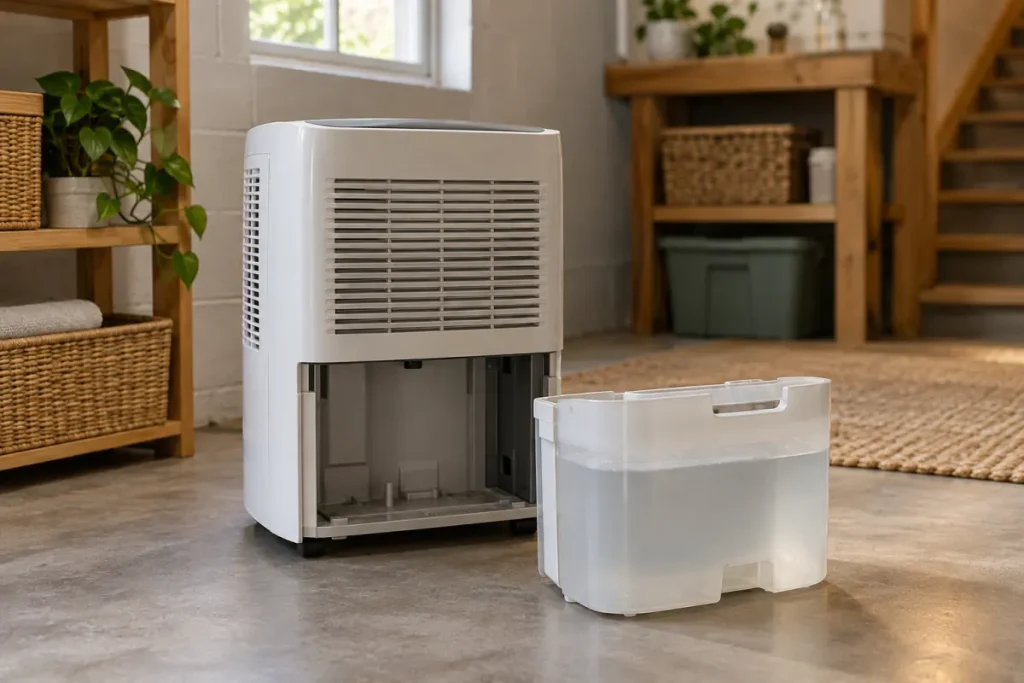
Use the exact instructions for stopping the unit, removing water, and replacing the bucket. Keep water away from the electrical supply. Do not remove the bucket while operating unless your manual explicitly gives that procedure; do not reach through standing water to access a plug.
For a scoped example, GE manual 49-5000545 Rev. 4 explains shutoff when the bucket is full, removed, or improperly positioned. It requires the bucket to be securely seated and specifically warns against removing the foam piece and magnet block in its bucket assembly. Those components are not assumed to be present on every model.
If something appears to obstruct the bucket’s normal fit, compare the accessible arrangement with the manual. Do not force it into position, discard a component as packaging without checking, or modify a float or switch to make the warning disappear.
Keep drainage method in the same record
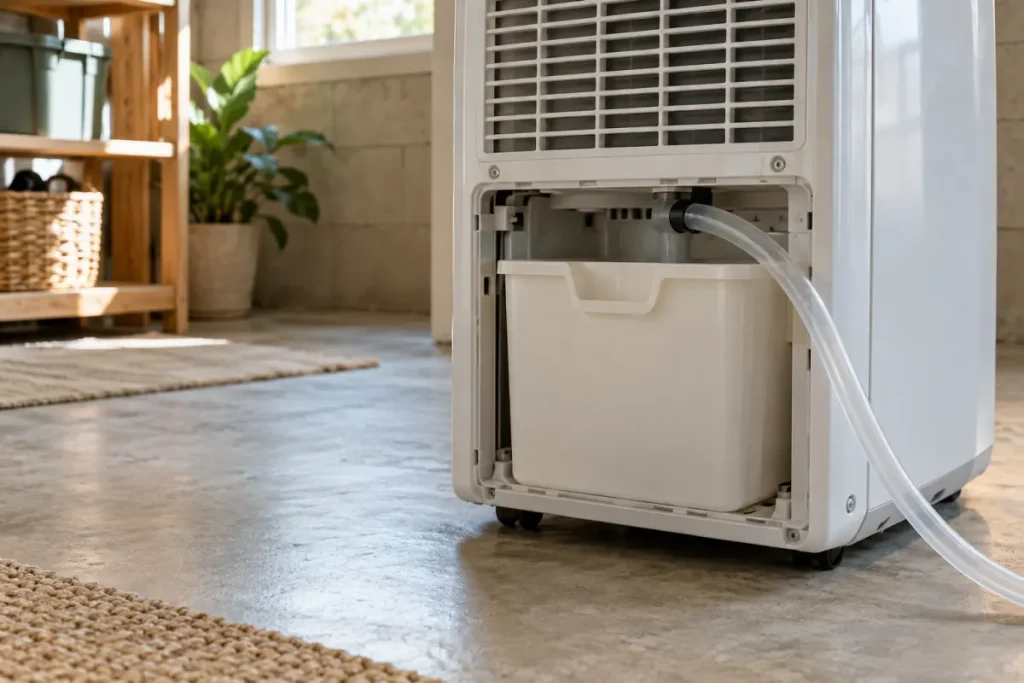
A hose attached to the appliance does not make the bucket irrelevant. Check which port and method the instructions specify. For a bucket that fills with a hose connected, use our drainage observation guide. For a selected pump that has not discharged, use the pump-start guide.
Record the bucket’s condition before and after the applicable owner procedure. Describe water you actually see and the indicator’s response. Do not manually fill the bucket, hold a float up, or bridge a sensor to force a test.
| Observation | Detail to preserve | Question to resolve |
|---|---|---|
| Warning with water present | Level observed and chosen drainage method | What emptying or drainage step does this model specify? |
| Warning after emptying | Bucket position and indicator response | Was replacement completed as instructed? |
| Warning with a hose attached | Port, hose, route, and method | Is the supported drainage arrangement in use? |
| Warning persists after owner checks | Exact signal and steps already taken | What does manufacturer support recommend next? |
When the signal remains unresolved
If the specified owner checks do not resolve the warning, stop repeated attempts to defeat or reset it. Give manufacturer support the model, manual reference, selected method, exact signal, bucket observations, and the actions already taken. Include a photograph of the accessible bucket arrangement if safe and useful.
This record does not identify a faulty switch or provide an internal repair. Use applicable support or warranty instructions for further assessment. If water leaks into an unsafe area, respond to that condition without completing a logging routine first.
Plan for normal bucket access
Keep the removal path clear and place the appliance according to its location requirements. Add normal bucket care to the maintenance record. If humidity stays high because operation is interrupted, include that interruption in the running-unit observation record.