In brief
If the humidity reading rose, check the temperature at the same spot first. Cooler air can show a higher relative humidity even when its moisture content stays the same. Then check whether water reached the bucket or drain and whether a full-bucket warning stopped the unit. Those observations help you choose the next check before changing the target.
Define the observation you want to explain
Record the date, time, meter position, relative humidity, and temperature if available. Separately record the appliance’s displayed value and selected mode or target. If the display meaning is unclear, use the manual and our dehumidifier and hygrometer comparison guide before calling two numbers a disagreement.
Write down what “running” means in your observation: a fan was heard, an operating indicator was on, or collected water was observed. Do not turn an audible fan into a diagnosis of the compressor. Keep an exact error code or reported state if the appliance shows one.
Review the supported setup
GE’s guidance on a missed humidity target identifies controls, airflow, filters, room conditions, and sizing as checks. Apply only the relevant owner instructions for your model. This guide does not transfer GE’s general waiting period into a deadline for every basement or tell you to wait while water enters the building.
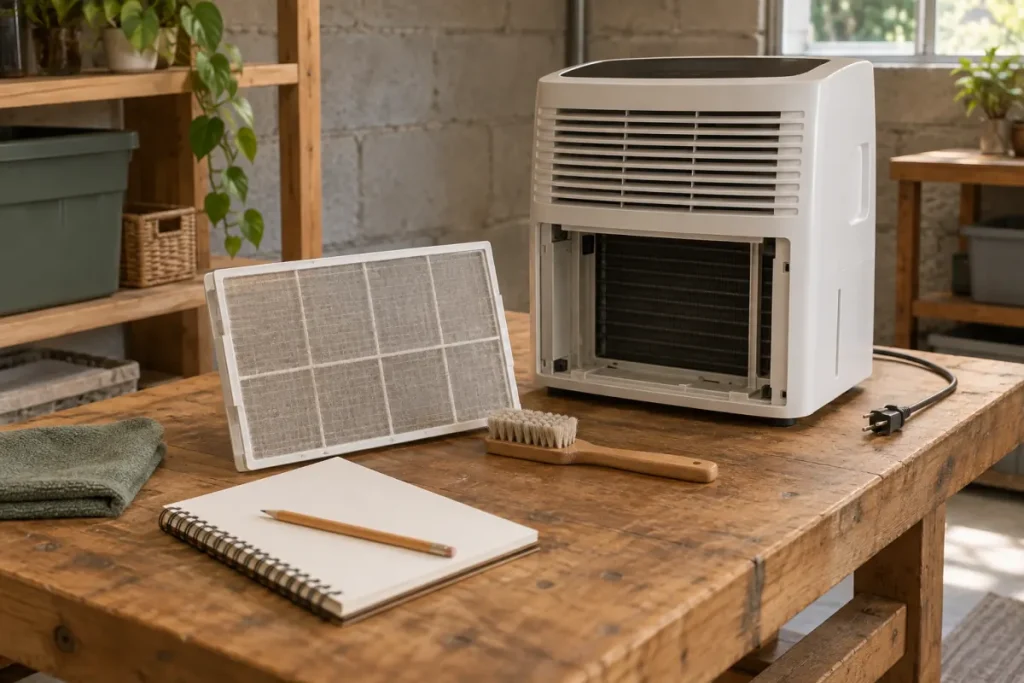
Compare the recorded room temperature with the permitted operating conditions. Check accessible airflow clearances and normal filter care as directed. Note outside openings and activities that changed while you were observing. Our placement guide and temperature guide help describe these requirements separately.
Include water collection and stoppages
Work through the checks in order, following only those relevant to your observation; use the linked sequence if no water is observed.
-
Read current humidity, not only the target. The GE APHL50LB manual 49-5000545 Rev. 4, page 4, distinguishes the setting from the current display. Page 5 describes the fan continuing during automatic defrost while the compressor stops. Fan noise alone does not establish continuous removal.
-
Check the water destination. Water accumulating in the bucket or reaching the intended drain helps establish the water-handling path; it does not prove continuous moisture removal. If neither shows water, use the no-water sequence. GE’s no-water guidance notes that a room below the selected target may produce no collection. An empty bucket alone does not justify a larger unit.
-
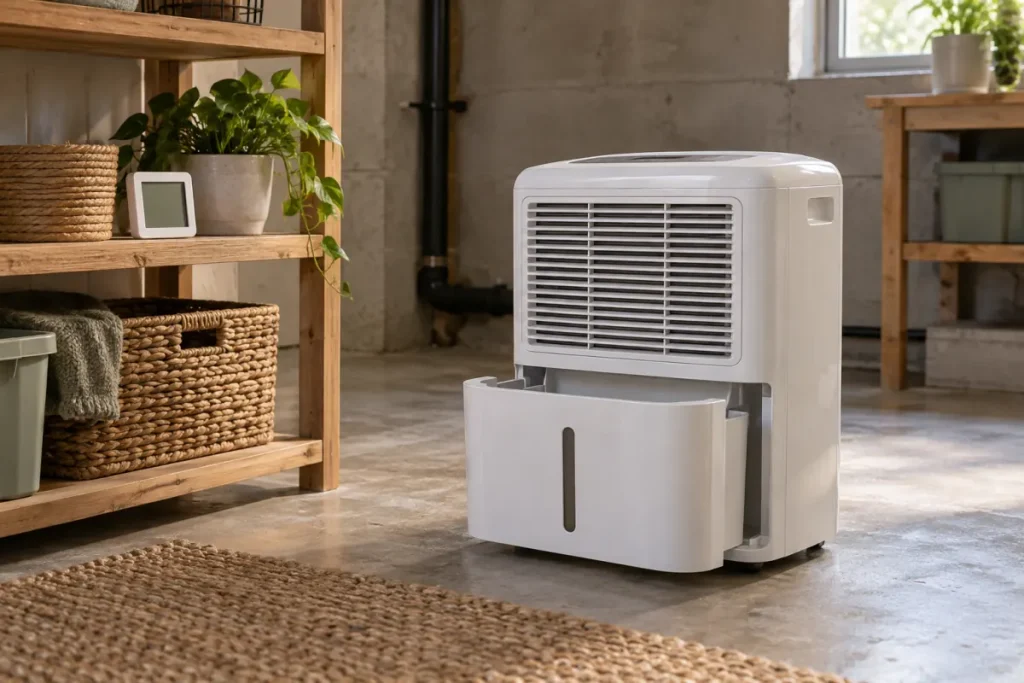
Resolve full-bucket interruptions. Empty and refit the bucket using the owner procedure, then check for normal operation. For an empty-bucket warning, use the bucket-warning checks; for a filling bucket with a gravity hose attached, use the hose-and-bucket checks. Repeated full-bucket stops require a workable emptying routine or supported drainage before judging removal capacity.
-
Restore airflow and permitted operating conditions. Clear furniture or curtains blocking intake or discharge, retaining specified clearances. Perform permitted filter care after switching off and unplugging. GE’s missed-target guidance identifies these restrictions. The APHL50LB manual, page 10, also explains reduced removal in colder air and specifies operation above 41°F for covered models. Other equipment may have different limits; a lower humidity setting cannot correct an out-of-range temperature.
-
If removal continues but humidity stays high, assess moisture load and coverage. Check unintended outside openings and laundry moisture, both identified in GE’s guidance. Address an indoor-discharging dryer vent with appropriate help; preserve required building ventilation. Compare the treated area and untreated moisture conditions with ENERGY STAR’s capacity guidance before reconsidering capacity or distribution. A room reading alone cannot choose the replacement.
After one applicable correction, compare the same reading location and check collection and operation again. This sequence provides no component diagnosis or universal drying deadline. Address active water entry with the surface-moisture action list. Stop if water threatens electrical access; do not open the housing or bypass controls.
High humidity after the bucket stopped the unit
Here is an example with invented observations. The same spot reads about 63% RH at 68°F at two evening checks. The target is 50%. There is water in the bucket, and the full-bucket light stopped operation twice. In that record the next question is how to keep the unit operating as intended: use the model’s emptying routine or check a supported drain arrangement. Then compare the same reading position again.
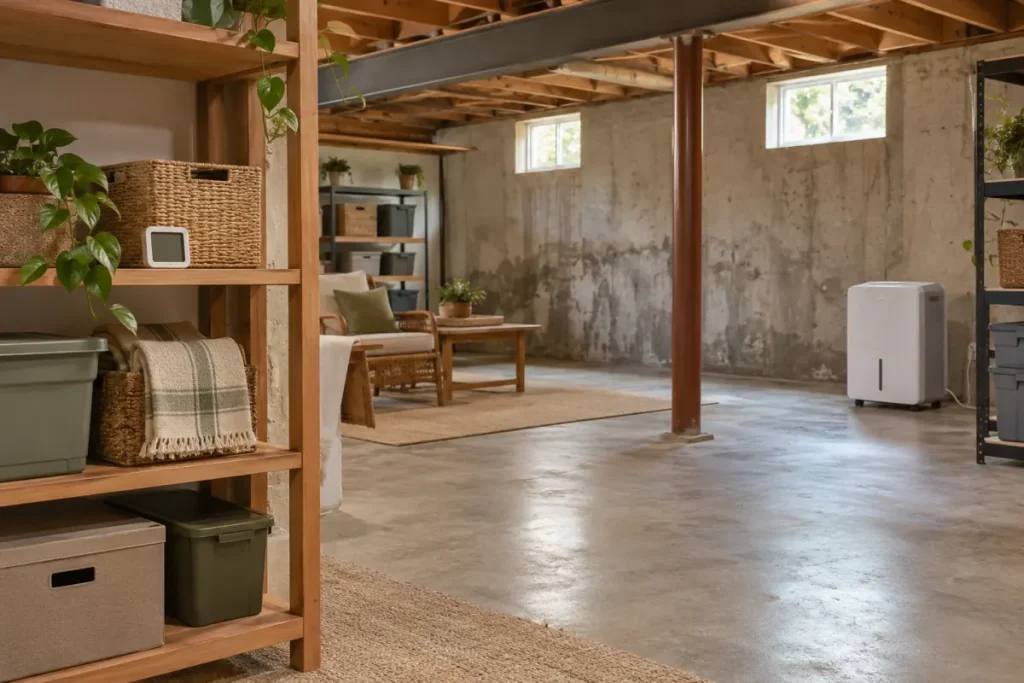
If collection continues between checks and the meter still shows high humidity, check for a continuing source of moisture or an area the unit’s airflow does not reach. The closed-room example shows how to check whether the affected space is actually being served.
Address water sources separately
EPA’s moisture-control guidance includes addressing leaks and seepage as well as airborne moisture. Describe visible water with its location and timing. Do not keep lowering the appliance’s target as the only response to an active water source.
Use the wet-surface observation guide to record the concern. A room-humidity trend cannot certify that a wall is dry or a leak is fixed.
Choose one supported next action
If you find an applicable owner setup correction, follow it as directed and record the result. Keep changes separate so you can explain what you did. If the permitted checks leave the problem unresolved, send the manufacturer the model, manual reference, readings, settings, drainage method, and observed sequence.
For equipment selection, ENERGY STAR relates required capacity to both space size and moisture conditions. Treat sizing as a question to assess, not a conclusion that every unresolved case needs a larger unit. Our portable and whole-home comparison helps define the scope of that assessment.