In brief
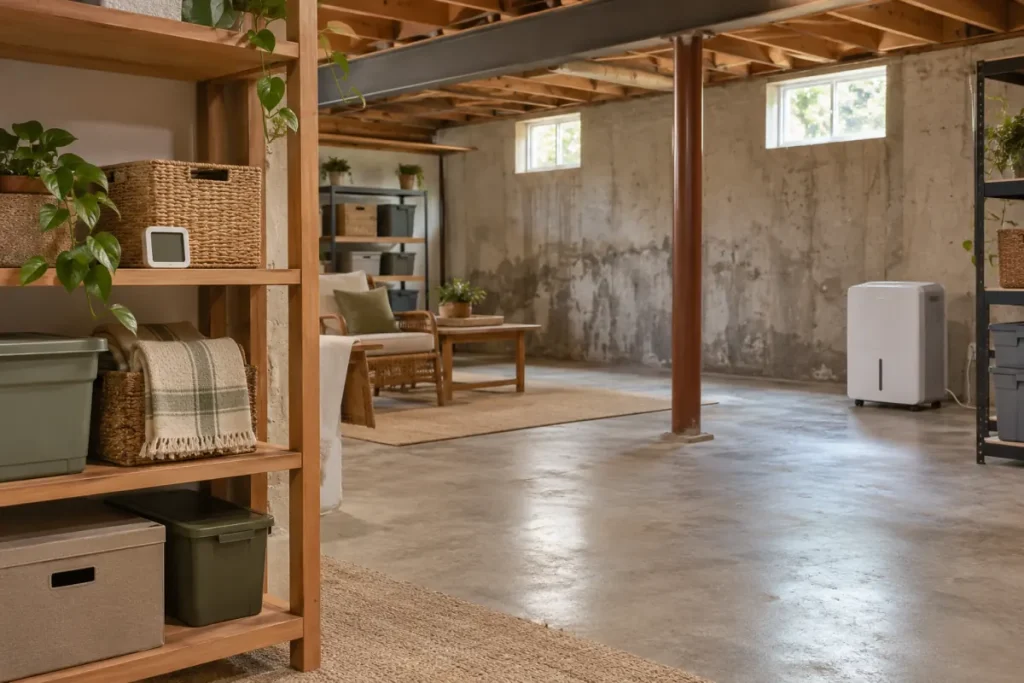
If basement humidity remains high while a dehumidifier appears to be running, build a record of room readings, operating settings, water collection, and interruptions. Start with the exact model’s owner checks. A fan sound or selected setting alone does not show how the whole room is performing.
Define the observation you want to explain
Record the date, time, meter position, relative humidity, and temperature if available. Separately record the appliance’s displayed value and selected mode or target. If the display meaning is unclear, use the manual and our display-comparison guide before calling two numbers a disagreement.
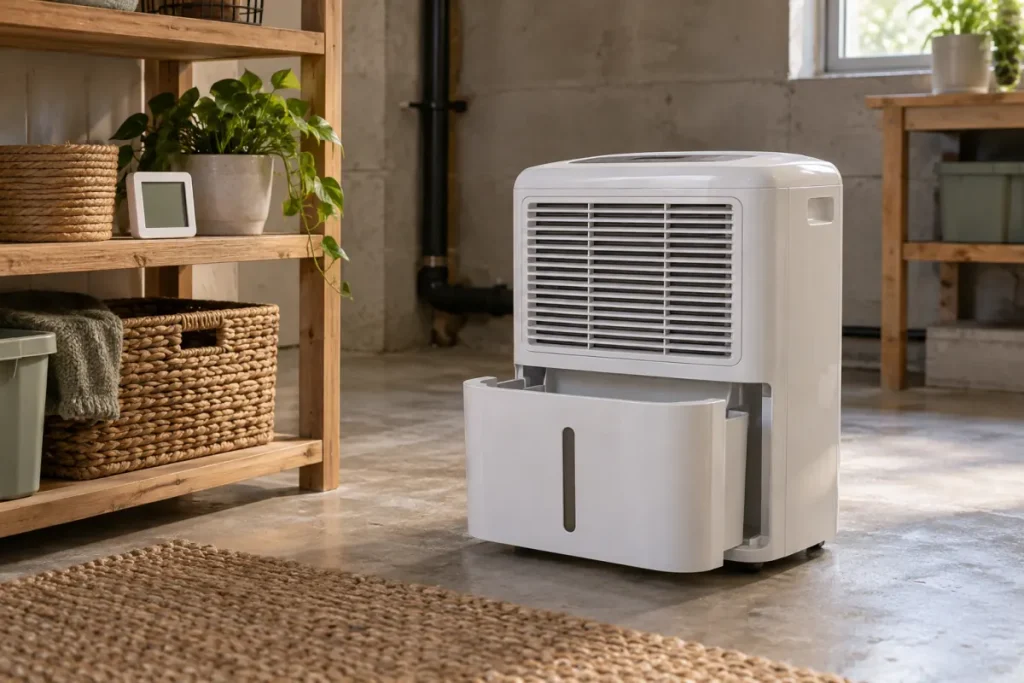
Write down what “running” means in your observation: a fan was heard, an operating indicator was on, or collected water was observed. Do not turn an audible fan into a diagnosis of the compressor. Keep an exact error code or reported state if the appliance shows one.
Review the supported setup
GE’s guidance on a missed humidity target identifies controls, airflow, filters, room conditions, and sizing as checks. Apply only the relevant owner instructions for your model. This guide does not transfer GE’s general waiting period into a deadline for every basement or tell you to wait while water enters the building.
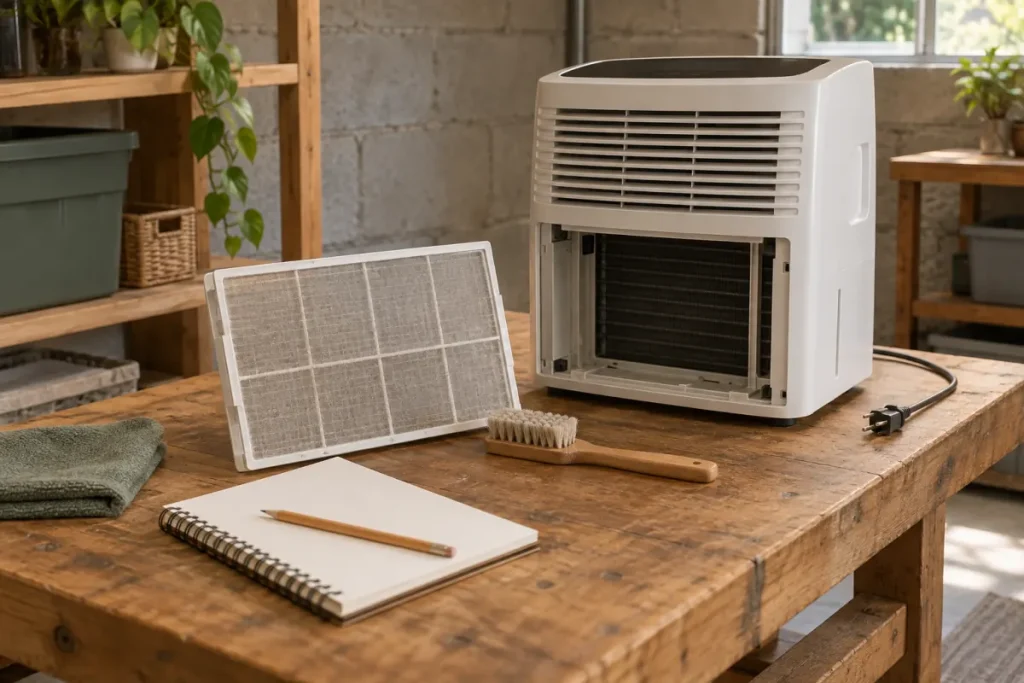
Compare the recorded room temperature with the permitted operating conditions. Check accessible airflow clearances and normal filter care as directed. Note outside openings and activities that changed while you were observing. Our placement guide and temperature guide help describe these requirements separately.
Include water collection and stoppages
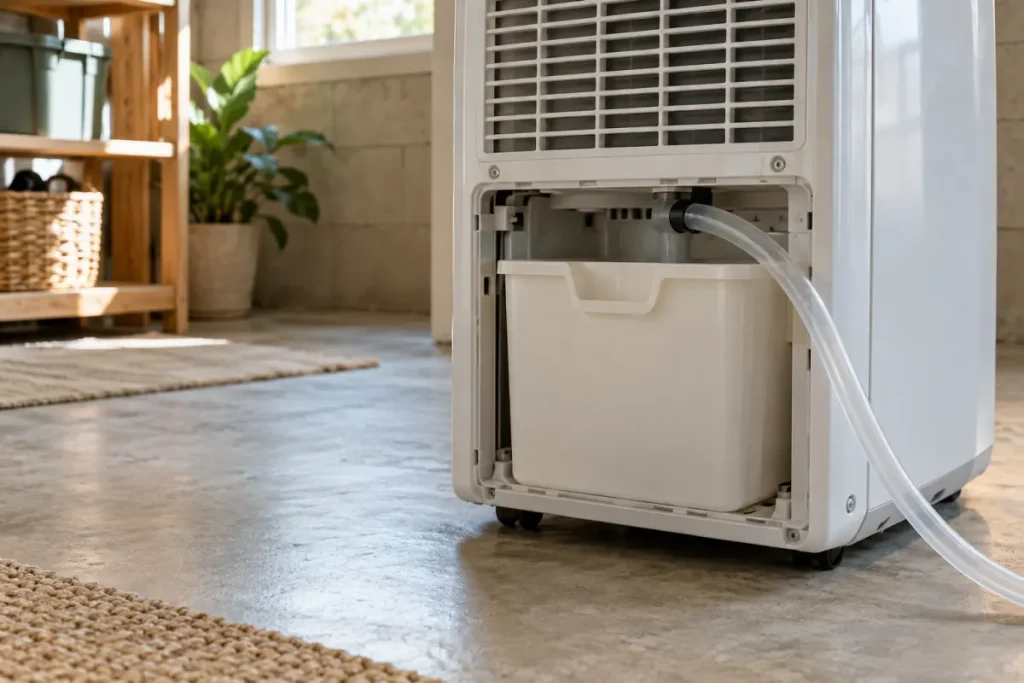
Identify the drainage method. Write down whether you actually observed collection or discharge and whether a bucket warning or other state stopped operation. The bucket-warning guide covers that signal. If the bucket fills despite an attached hose, use the hose-attached guide.
There is no universal daily bucket volume that this article can prescribe as proof of good performance. Record what happened under the described conditions and compare it with the exact equipment’s instructions. If no water is collected anywhere, continue with the no-water guide.
| Record | Useful detail | What it does not establish alone |
|---|---|---|
| Room readings | Same position, time, RH, temperature, and notes | The cause of moisture or conditions in every room |
| Appliance controls | Selected setting, mode, and exact display meaning | Achievement of the selected target throughout the space |
| Water observations | Where collected water goes and when you checked | A universal output target or diagnosis |
| Interruptions | Bucket signal, error code, or another reported state | A failed internal component without assessment |
Address water sources separately
EPA’s moisture-control guidance includes addressing leaks and seepage as well as airborne moisture. Describe visible water with its location and timing. Do not keep lowering the appliance’s target as the only response to an active water source.
Use the wet-surface observation guide to record the concern. A room-humidity trend cannot certify that a wall is dry or a leak is fixed.
Choose one supported next action
If you find an applicable owner setup correction, follow it as directed and record the result. Keep changes separate so you can explain what you did. If the permitted checks leave the problem unresolved, send the manufacturer the model, manual reference, readings, settings, drainage method, and observed sequence.
For equipment selection, ENERGY STAR relates required capacity to both space size and moisture conditions. Treat sizing as a question to assess, not a conclusion that every unresolved case needs a larger unit. Our portable and whole-home comparison helps define the scope of that assessment.